The short answer
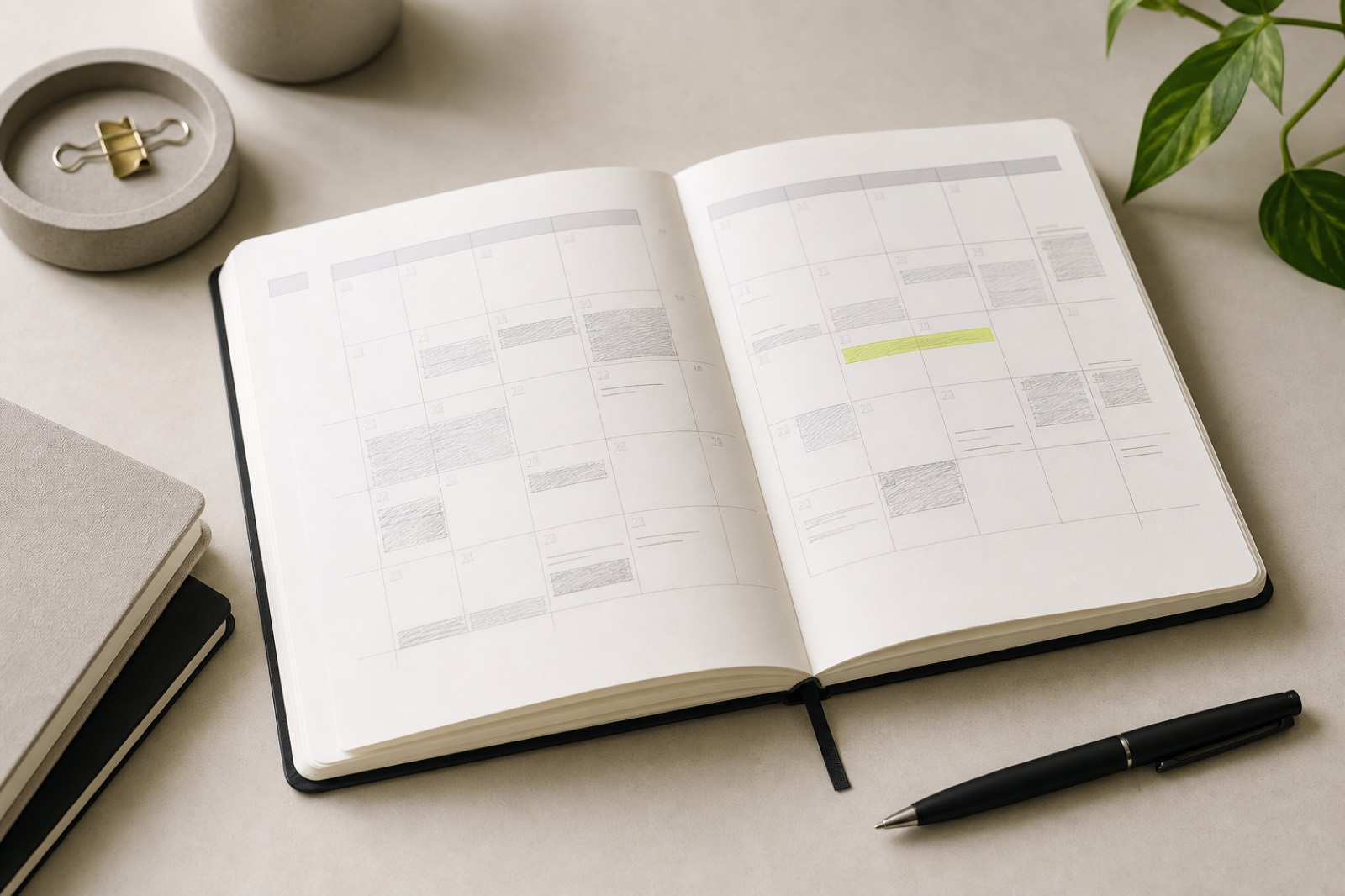
To avoid double-booking UGC work, hold calendar time for shoot, edit, and buffer before you confirm a brief, and refuse timelines that collide with existing final dues. Capacity is a scheduling rule, not a feeling.
Most double bookings happen in the gap between verbal yes and calendar update. Close that gap.
How double booking sneaks in
You accept Brand A for Thursday filming. Brand B asks for a rush draft the same afternoon. Both feel small until revision windows stack on Friday and a live post is due Saturday morning.
- Confirming deals from your phone without opening the calendar.
- Blocking only shoot time and forgetting edit time.
- Assuming weekends will absorb overflow.
- Letting brands set live dates without checking other finals.
A no-collision booking process
- Before yes, open your deal board and calendar for the full delivery window.
- Create holds for briefing, filming, editing, revision buffer, and live post.
- Enforce a rule: no two final deliveries on the same day.
- Keep one rush slot per week empty for true emergencies, not default overflow.
- Update the deal status to Confirmed only after holds exist.
- If a brand moves the live date, re-check collisions before agreeing.
This pairs with managing multiple UGC deals and dated lines in your deliverables tracker.
Booking checklist template
Pre-accept check
Proposed live date: ____
Existing finals that week: ____
Shoot hold available? Y/N
Edit hold available? Y/N
Revision buffer (24-48h) available? Y/N
Rush slot already used this week? Y/N
Decision: Accept / Counter timeline / Decline
Common mistakes
- Saying yes in DMs and scheduling later.
- Stacking three brands into one content day because locations are similar.
- Treating revision days as free because you are not filming.
- Letting agencies book you without a written live date.
- Clearing holds when a brand goes quiet, then getting a sudden restart.
Book the calendar before the brand
Avoiding double-booking UGC projects is a pre-accept habit: check capacity, place holds, then confirm. Your future self cannot invent extra edit days.
Reanroom keeps deal deadlines visible so scheduling conflicts show up before you say yes. See the full operating rhythm in the UGC creator business workflow.
Recommended articles

Brand Deals
How to Keep Track of Multiple UGC Brand Deals at Once
How to run several UGC campaigns at once without losing deadlines, brand context, or payment follow-ups.

Brand Deals
How to Organize UGC Deliverables, Revisions, and Deadlines
A deliverables tracker for UGC drafts, revisions, finals, and live deadlines that keeps brand feedback under control.

Workflow
Best Workflow for Managing a UGC Creator Business
The end-to-end workflow for running a UGC creator business: deals, deadlines, deliverables, scheduling, and payments.